PMA
01 · Pre-production
Start with the brief.
Each project begins with a brief and a list of what you need from us. The PMA app helps you put both together, and we send you a price for the job.
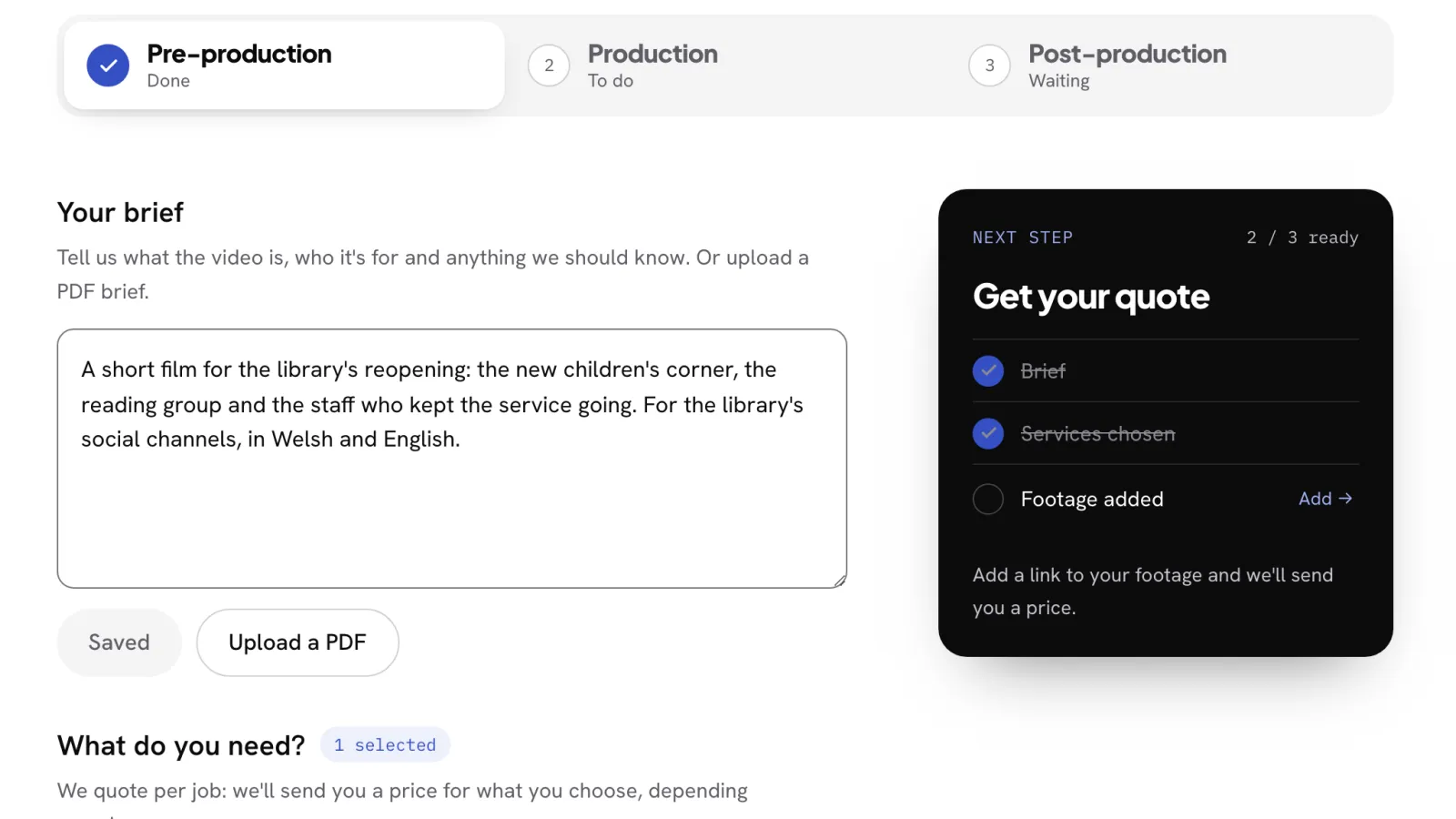
The app helps you write it
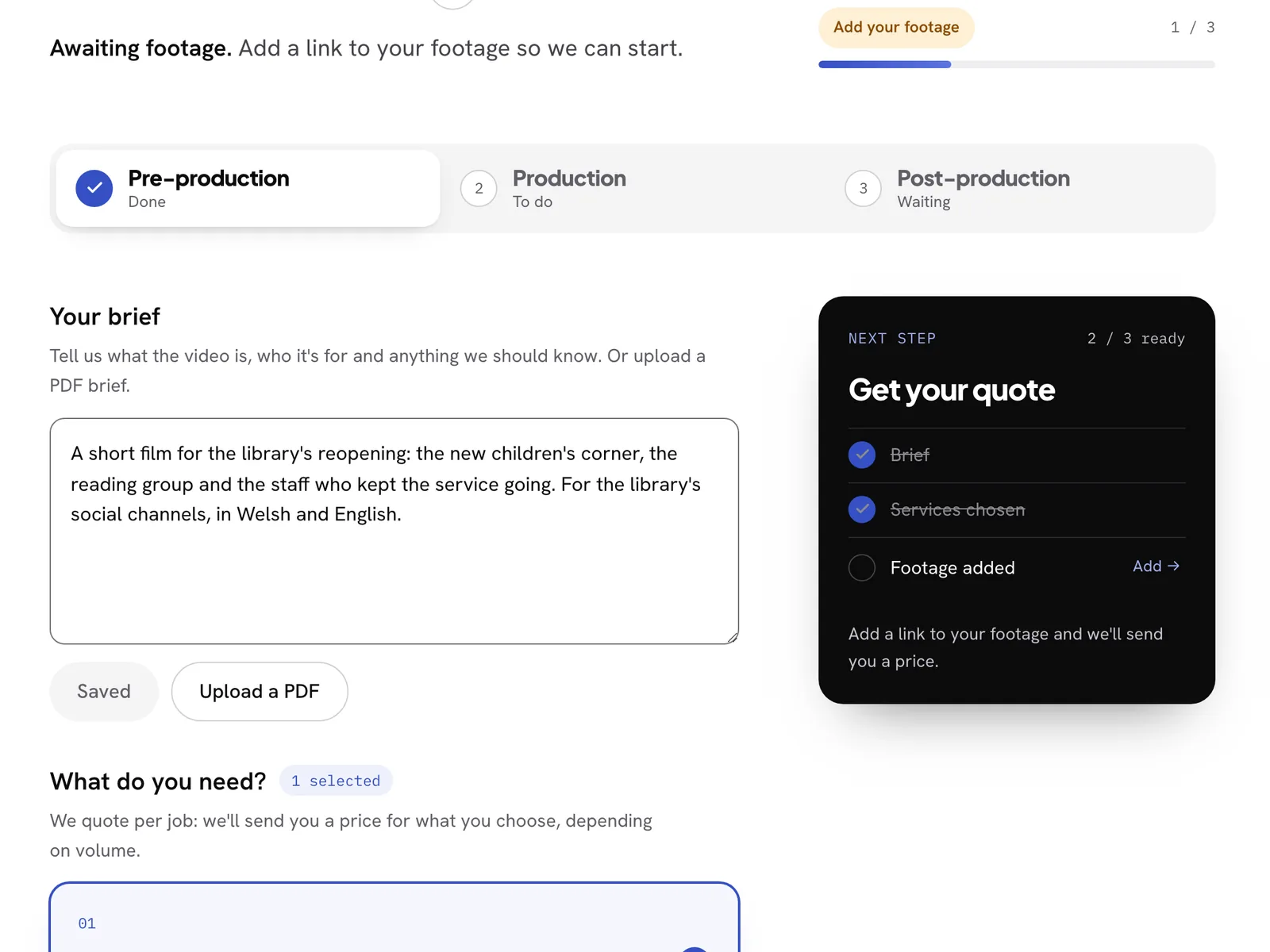
Tell us what the video is, who it's for and anything we should know. If your brief is already a PDF, upload it: the app reads it and fills in the brief for you to check.
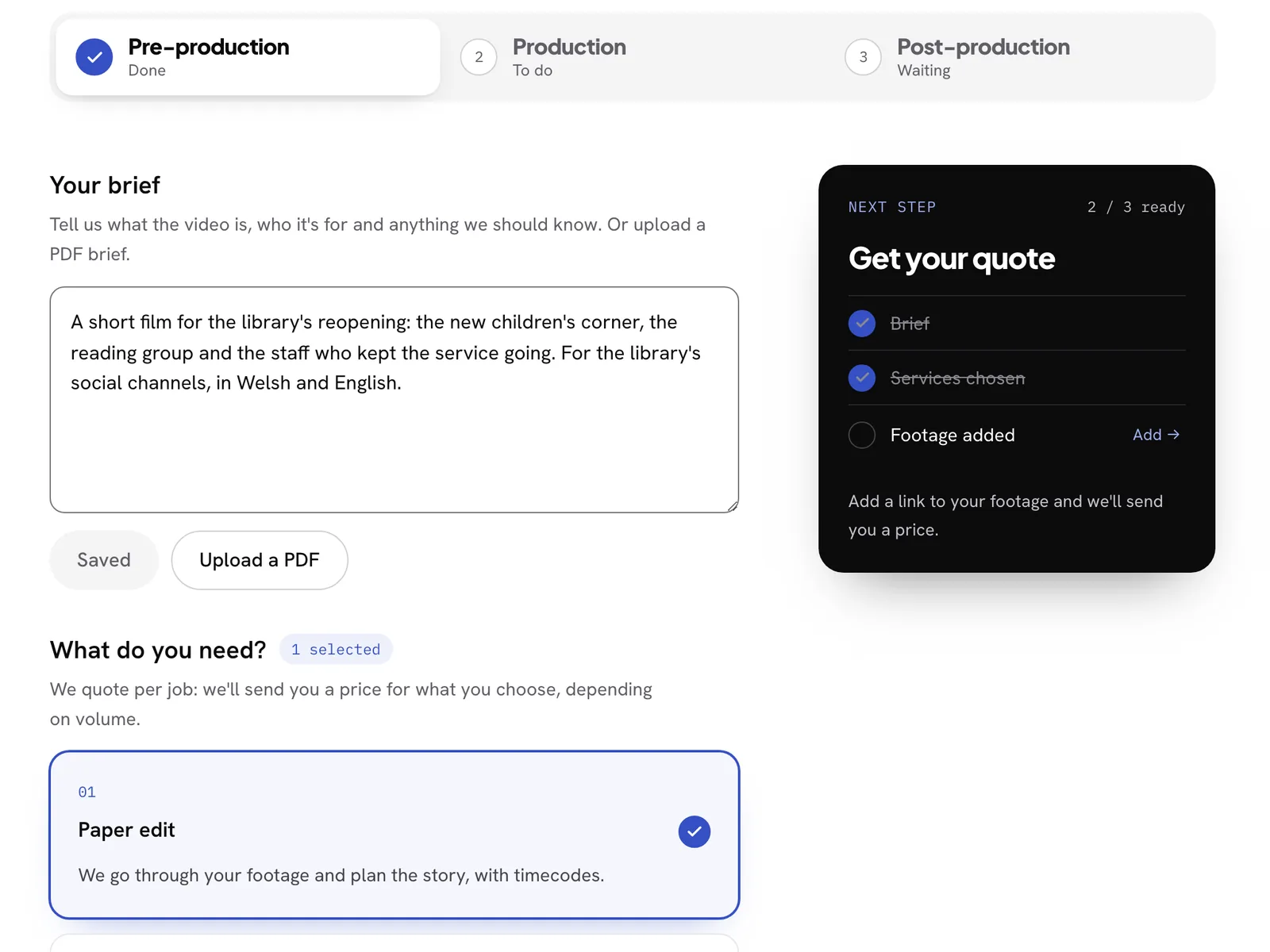
Choose what you need
Under "What do you need?" choose a paper edit, a first assembly or a full edit. Choose one, or several.
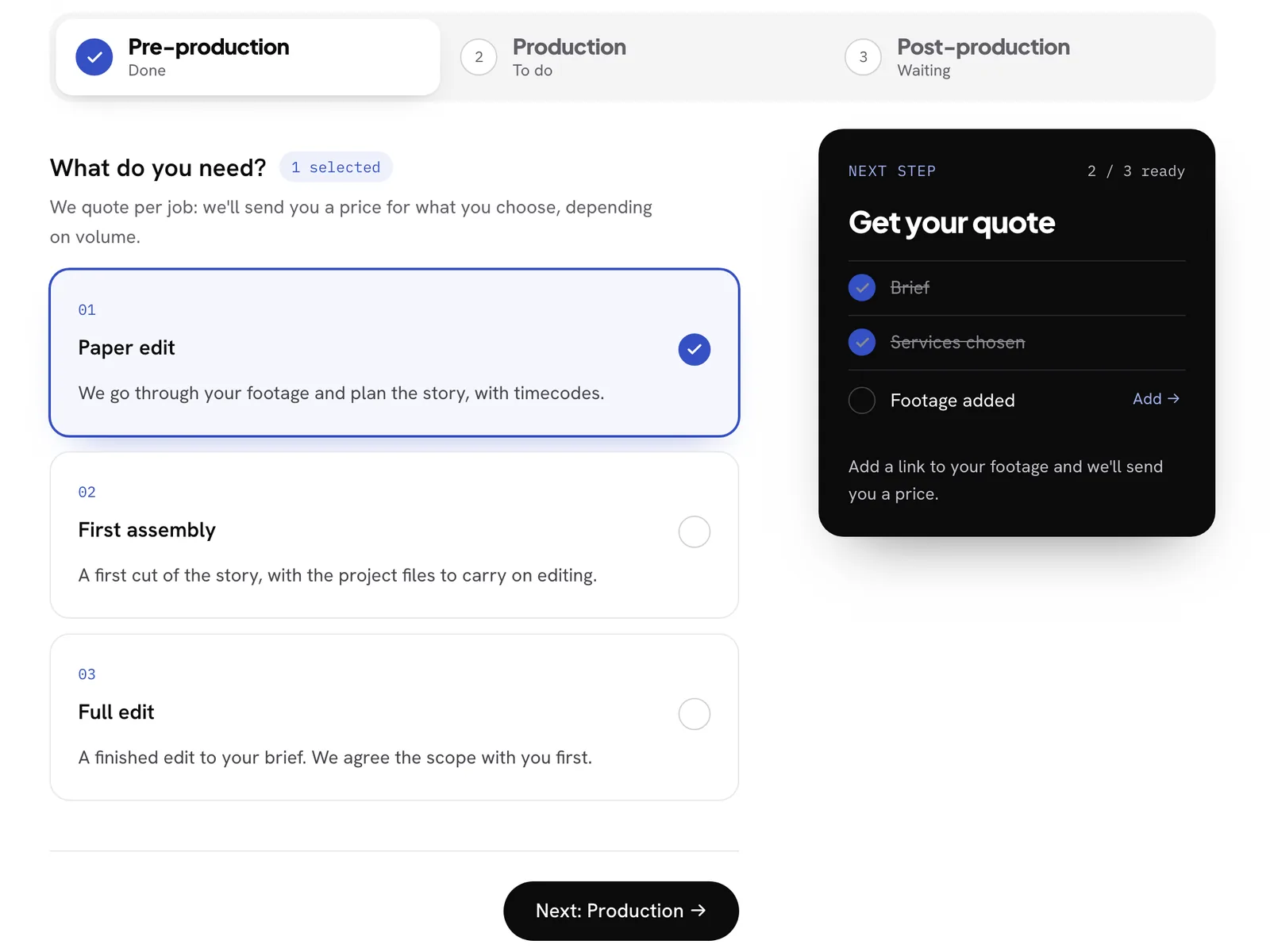
A price for the job
We quote per job: we'll send you a price for what you choose, depending on volume.